PayNow QR Code | PayNow 二维码

Nanyang Limousi

Please scan the PayNow QR code and enter your name / order number as reference.
请扫描 PayNow 二维码付款,并在备注填写您的姓名 / 订单号。

  • 🇸🇬 本地银行转账 | Local Bank Transfer (PayNow)
  • PayNow Transfer Details:
  • Entity Name: NANYANG LIMOUSINE PTE. LTD.
  • UEN: 202411741C
  • Bank: OCBC Bank
  • Amount:
  • Reference: [Your Name / Order #]

    Taobao 100 RMB Deposit QR Code | 淘宝100人民币定金二维码

    Nanyang Limousine Taobao 100 RMB Deposit QR Code

    Please use Taobao App “Scan” to scan this QR code for deposit payment.
    请使用淘宝 App 的“扫一扫”扫描二维码支付定金。

    • 点击图标直接支付 (Click to Pay Directly) 请点击下方的【淘宝图标】进入支付页面。 Please click the Taobao Logo below to access the deposit payment page.
    • 温馨提示 (Important Note): 若点击后提示需要登录,建议您长按复制下方淘口令,并打开【淘宝 App】以获得更顺畅的支付体验。 If prompted to log in after clicking, please copy the code below and open the Taobao App for a seamless experience.

    Taobao Full Payment QR Code | 淘宝全额付款二维码
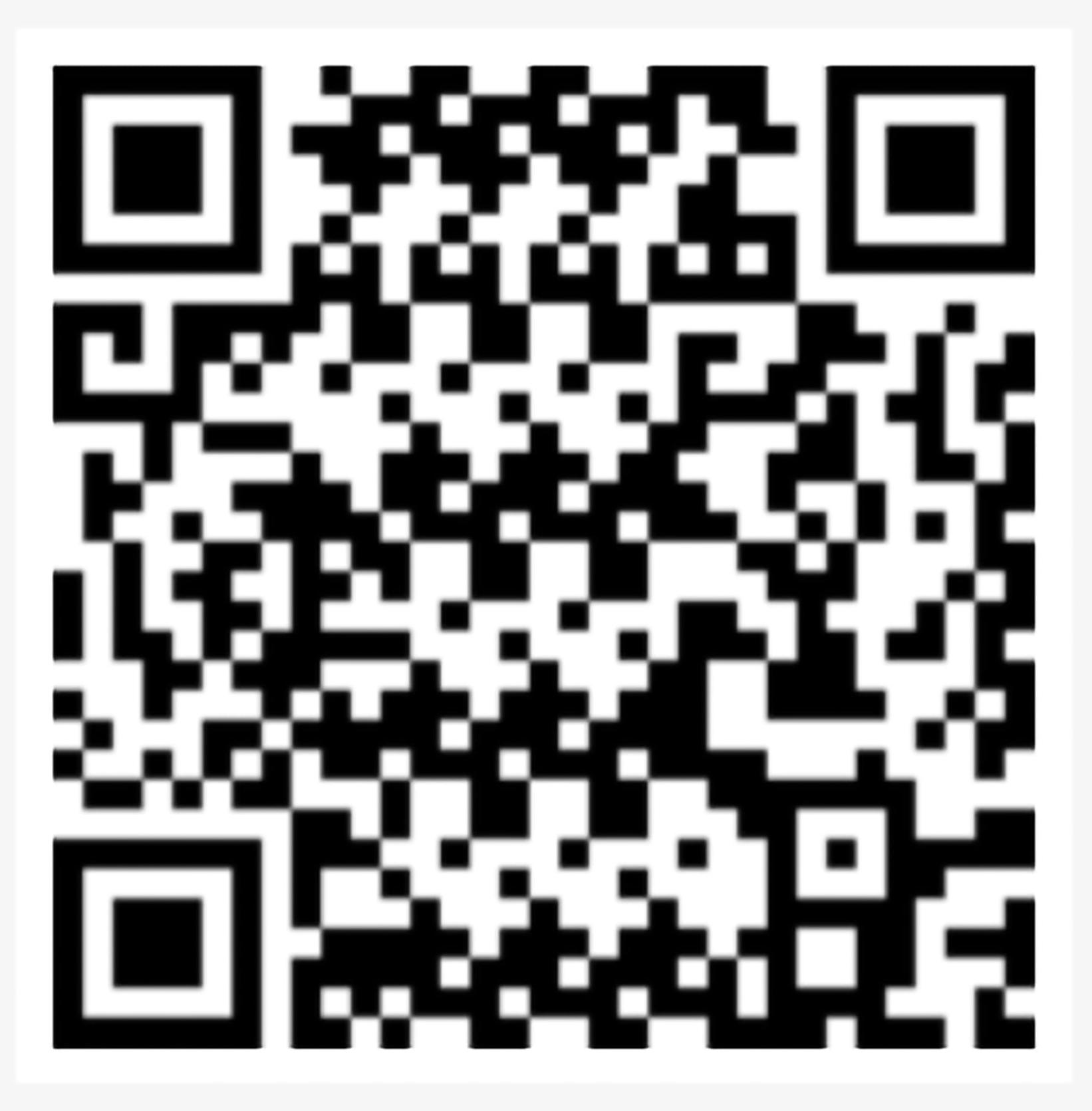
    Nanyang Limousine Taobao Full Payment QR Code

    Please use Taobao App “Scan” to scan this QR code for full payment.
    请使用淘宝 App 的“扫一扫”扫描二维码支付全额付款。

    • 点击图标直接支付 (Click to Pay Directly) 请点击下方的【淘宝图标】进入支付页面。 Please click the Taobao Logo below to access the deposit payment page.
    • 温馨提示 (Important Note): 若点击后提示需要登录,建议您长按复制下方淘口令,并打开【淘宝 App】以获得更顺畅的支付体验。 If prompted to log in after clicking, please copy the code below and open the Taobao App for a seamless experience.
    • 100人民币定金淘口令 (100rmb Deposit Code):
    • https://e.tb.cn/h.iQ7zG3eQB7MSfJ3?tk=WplF52uqRgD CZ321
    • 复制口令 后,重新启动淘宝 App 即可领定金券
    • ​方式 A:淘口令 (Copy Code)长按复制下方代码,打开【淘宝 App】即可自动弹出全额支付页面: Copy the code above and open the Taobao App for Full Payment Access。
      • 10人民币全额付款淘口令 (10rmb Full Payment Code):
      • https://e.tb.cn/h.i8RPapS4CPqv02r?tk=UzY151qSeW5
      • 复制口令 后,重新启动淘宝 App 即可领全额付款券
      • ​方式 A:淘口令 (Copy Code)长按复制下方代码,打开【淘宝 App】即可自动弹出定金支付页面: Copy the code above and open the Taobao App for deposit payment access.。
        .

      Nanyang Limousine AI assistant 24hours
      🚘 Limousine quick quotes
      📈 Live markets
      🎟️ Singapore attraction ticket prices
      🇲🇾 Malaysia attraction ticket prices
      🍽️ Singapore restaurant brand branches
      🥬 Singapore vegetarian food
      🇲🇾 Malaysia popular food-chain branches
      🏨 Singapore budget hotel branches
      🛏️ Singapore capsule hotel branches
      ⭐ Michelin restaurants
      Power Apps Booking Form - auto-filled from voice
      Same field format as your internal Power Apps limousine booking screen. Customer submits as Pending Confirmation for staff review.
      Correction / Amendment

      If any name, contact detail, address, travel date or travel time is incorrect, please delete that exact field first, then speak or type the corrected information again.

      For voice deletion, clearly say the exact field name: Passenger name, Phone number, WeChat ID, Email address, Travel date, Travel time, Pickup location, First destination, Second destination, Third destination.

      Examples: “Delete travel date”, “Delete second destination”, “Delete passenger name”.
      If voice deletion does not work, tap the field and delete it manually first.

      修改 / 更正资料

      如果姓名、联系方式、地址、行程日期或行程时间有错误, 请先删除该准确栏位的原有内容,然后再重新说出、拼写或输入正确资料。

      使用语音删除时,请清楚说出准确的栏位名称: 乘客姓名、电话号码、微信号、电邮地址、行程日期、行程时间、 上车地点、第一目的地、第二目的地、第三目的地。

      例如:“删除行程日期”、“删除第二目的地”、“删除乘客姓名”。
      如果语音删除无法执行,请先点击该栏手动删除。
      Calculated Itemised Charges - Draft for Staff Review
      Base fare, route-distance charges and selected item surcharges will be sent to Power Automate as draft BookingChargeLine records.
      Complete pickup and destination to calculate charges.